What kind of app is Memolet Garden?
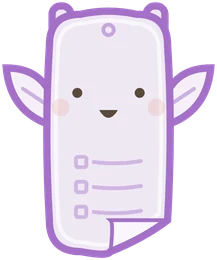
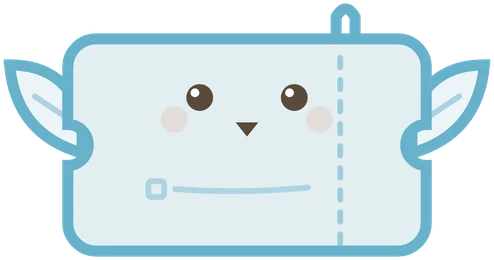
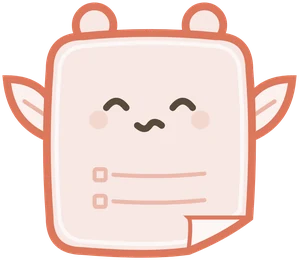
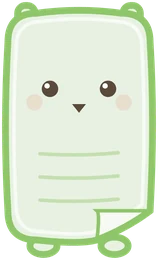
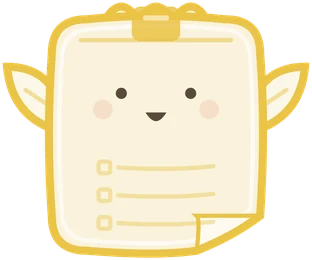
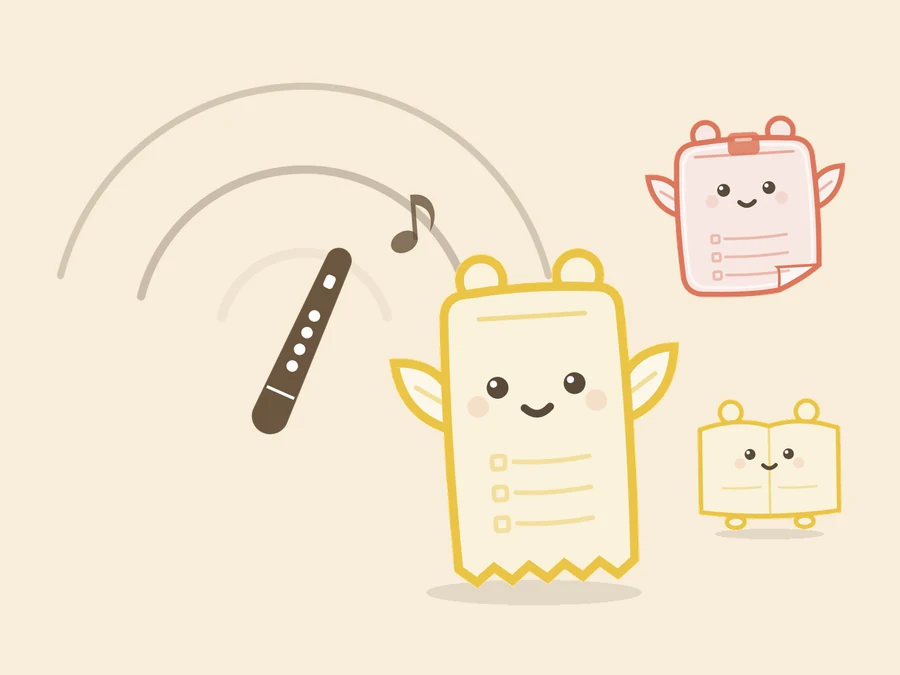
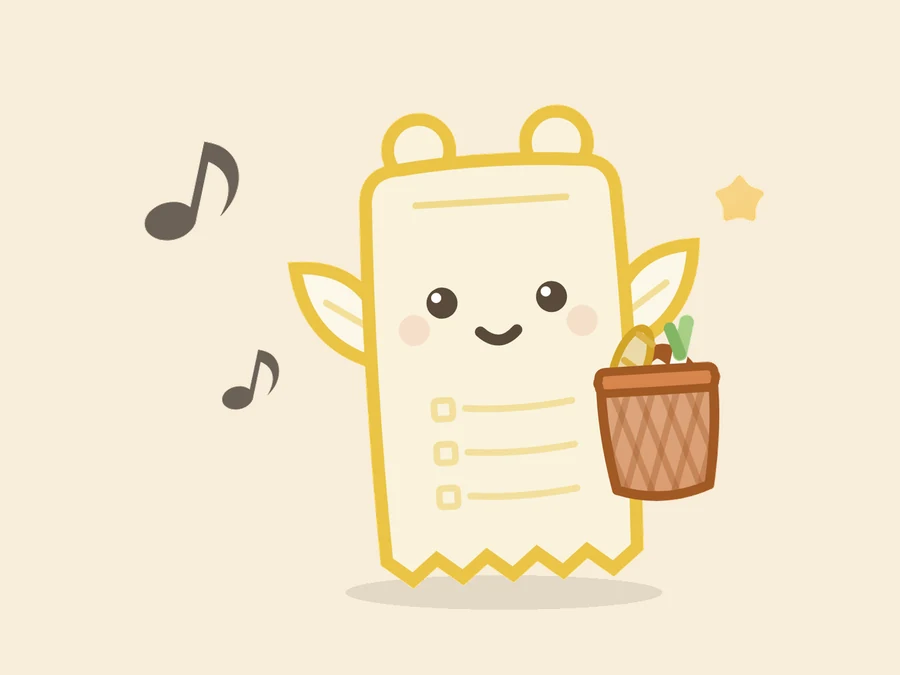
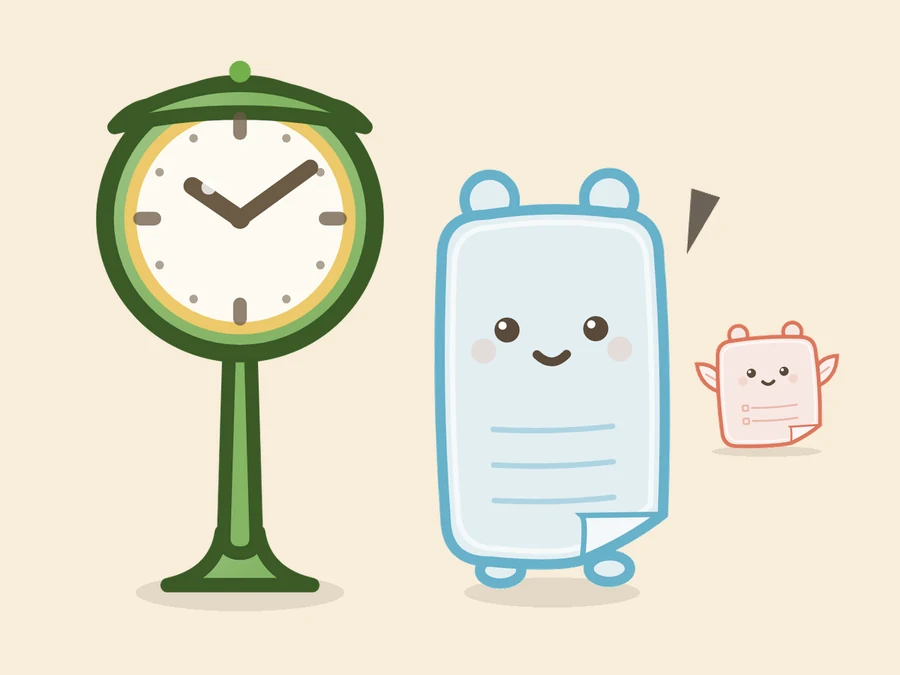
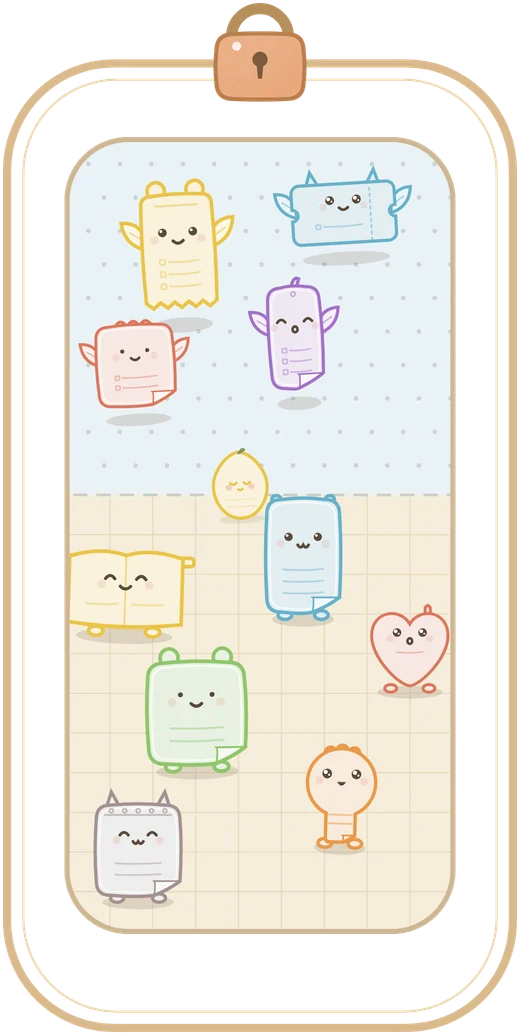
Memolet Garden is a notes app that puts practicality first. The one thing that's different: every memo you write becomes a little creature called a Memolet, and it lives in your garden. Shopping lists and checklists become winged Sky Memolets. Notes and ideas become Land Memolets that walk on the ground.
How is this different from an ordinary notes app?
Instead of lining your notes up in a list or in folders, Memolet Garden puts each note in the garden as one Memolet. To find something you don't dig through folders: you call with the whistle (search) and the matching Memolets come running to you. A Memolet's shape changes with what you wrote, and the notes you use most grow the most. It looks cute, but underneath it is a practical notes app: search, reminders for a time or a place, and shopping lists are all there, free, from the start.
Do I have to look after my Memolets? Is this a pet-raising game?
Memolet Garden is not a pet-raising game. It is a notes app. A Memolet grows a little with each day you open or add to its note, and its shape changes with what you wrote. There is no feeding and no daily log-in. Leave it alone and nothing bad happens: a Memolet never weakens and a note is never lost. There are no growth scores and no rankings. If you like raising games or apps with creatures to watch, your garden simply grows livelier as you use your notes.
Is it free?
Memos, search, reminders and shopping lists are free with no limits. What costs money: things like garden decorations and outfits for your Memolets, saving a backup of your memos to the server automatically and keeping your devices in sync, and pushing back the day a shared garden disappears. If you cancel, the memos and Memolets on your device stay as they are (a backup kept on the server expires 12 months after it was last saved or read).
Which devices can I use it on?
It works on iPhone and iPad (App Store) and on Android (Google Play). You can find it by searching for “Memolet Garden” in either store. iPhone and iPad need iOS 13.0 or later; Android needs 7.0 or later. On iPad it also works in landscape. There is no desktop version, no web version and no Apple Watch app (a shared card you receive can also be read in a browser). The home-screen widget works on iPhone (iOS 17 or later) and Android. The app is available in Japanese, English, Korean, Traditional Chinese, Spanish and French.
Where are my memos saved?
Memos, photos and location are stored on the device where you installed the app — your phone or tablet. No account is needed. The contents of a memo are sent to the Memolet Garden server in three cases: when you create a share-card link, when you use a shared garden, and when you choose “Save to the server and sync” yourself. If you have turned on “Include title and body when sharing”, the share-card link is created as soon as you open the editor. Anything sent is encrypted on your device first, so we cannot read it either (only the picture of the Memolet on a shared card, and readers’ marks and counts, are kept unencrypted). The full list of other connections (in-app purchases, ads, maps and so on) is in Article 3 of the Privacy Policy. Notes, search, reminders and shopping lists all work with no signal.
What can I do with a shopping list?
A shopping list in Memolet Garden can be a checklist, a bulleted list or a numbered list. Items are checked off with a single tap, and a checked item stays in place with a line through it, so you can see what you might have missed. Star the things you buy often and they collect under “regulars”, ready to add in one go next time. As you type, items you have written before are suggested. Turn on the calculator mode to add up prices. Give the list a location and you get a notification when you arrive near the shop.
Can reminders go off at a place, not just a time?
Yes. Reminders in Memolet Garden work with a time (“when?”) and with a place (“where?”). A place is set on the map, or by searching for a shop or station name. You choose whether to be notified on arriving or on leaving. The radius can be 100 m, 300 m or 1 km, and one note can have up to two places. It works on both iPhone and Android. To be notified while the app is closed, location access has to be set to “Always”. Your location is never sent off your device. On iPhone there is a limit of 20 place reminders in total (an iOS limit). Time reminders can be once, daily, weekly, monthly, on the last day of the month, or within a period.
Can I use it with my family or a group?
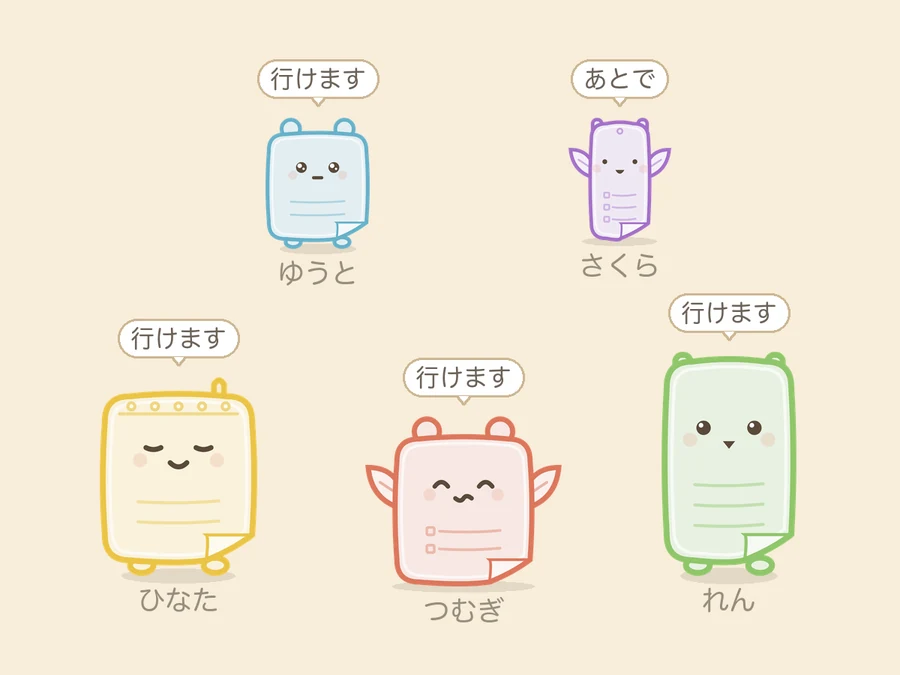
Share a whole garden with others. Send an invite link, and the people who get it answer with their own Memolets. Ask who's coming, have people pick the days they can make, or hold a vote. Only the person who made the garden can see the collected answers, in Results. There are four kinds: a notice board, a survey, a date poll and a vote. Neither the person who makes the garden nor the people who answer need an account, and it costs nothing. Everyone answering needs the Memolet Garden app (free). You are not notified when a new answer arrives. The garden disappears on the day its maker chose (up to 14 days ahead on the free plan).
Can I share a shopping list with my family? Can we edit the same list at the same time?
You can hand a shopping list to your family, but there is no way to edit the same list together at the same time. There are two ways to hand one over. The first is a share card: send a link or a QR code that carries the contents of the list, and the other person welcomes that Memolet into their own garden. Changes made afterwards are not passed back and forth. The second is a shared garden, where you put a question to the garden and each member of the family answers with their own Memolet. If you want the whole family to rewrite one shopping list in real time, an app built for collaborative editing is the better fit.
Can I move my data to a new phone?
Yes. In Settings, use “Backup & Sync” to write out a backup file protected by a passphrase (16 Japanese words), then read it in on the new device: your notes and Memolets move across. You can move from iPhone to Android and the other way round. Between devices with the same OS, Memolet Garden's data is also included in the standard iPhone or Android backup. With the “Save to the server and sync” subscription, a backup is saved to the server automatically whenever something changes, and on a new device you only enter the passphrase to restore it. If you enter the same passphrase on two or more devices, they keep the same notes, between iPhone and Android too. A backup on the server is kept for 12 months after it was last saved or read. Photos in a photo frame are not included in a backup, so carry those over with your photos app.
Are my memos ever sent to generative AI?
Your memos and images are never sent to generative AI. Parts of building this App, such as coding, did use generative AI, with a human doing the final review and adjustment.
Is there anything Memolet Garden cannot do?
Yes. As of October 2026, it cannot do the following.
- Let several people edit the same note or list at the same time
- Write notes from a computer or a web browser (in a browser you can only read a shared card you receive and leave marks on it)
- Keep a list of notes, or notes you pick, in a home-screen widget (the widget is for writing right away and for copying something from your Copy history)
- Put a photo inside the body of a note (photos go in a photo frame in your garden)
- Switch the screen to dark mode